Omni Flash Image to Video AI Maker
Omni Flash is mainly built for online video generation, but the studio also includes a free AI Image Maker for images and edits. Use Omni Flash to create visual ideas first, then turn the best image into video through the Google API workflow.
Create Images for Image to Video AI
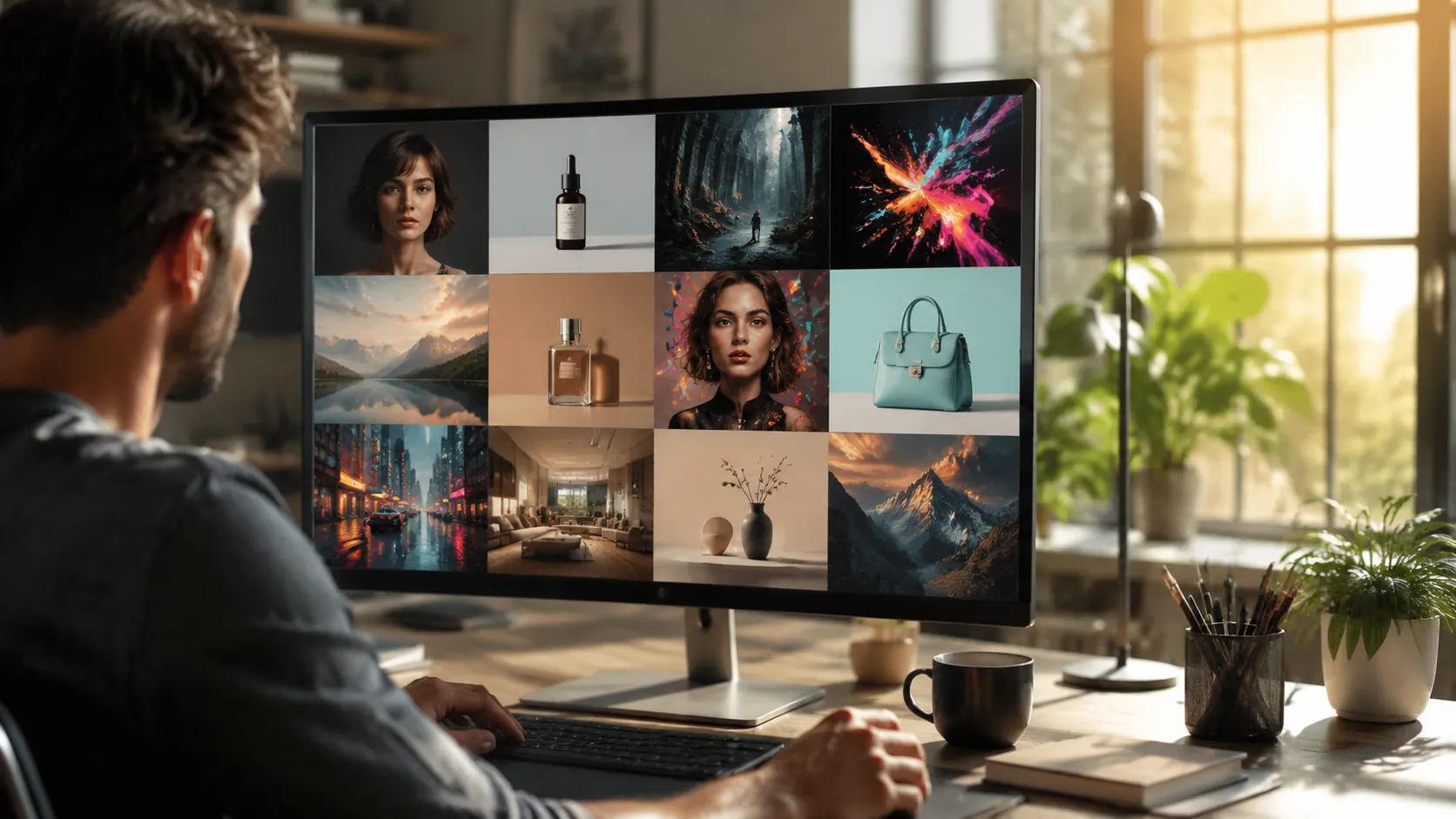
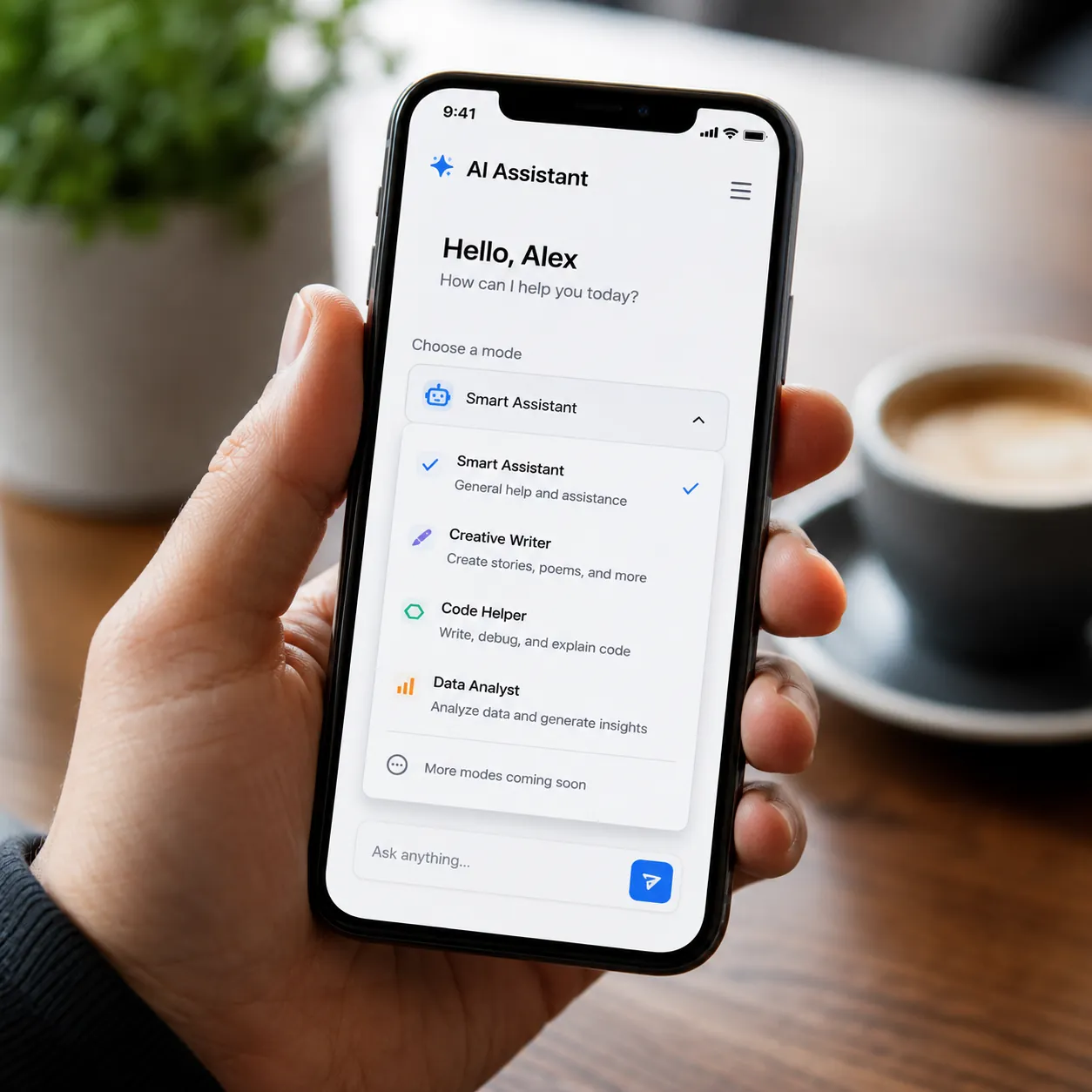
Use the Omni Flash image tool to design a product shot, portrait, poster, or social image. Then bring that image into video generation when you want motion.
Free Online AI Image Maker
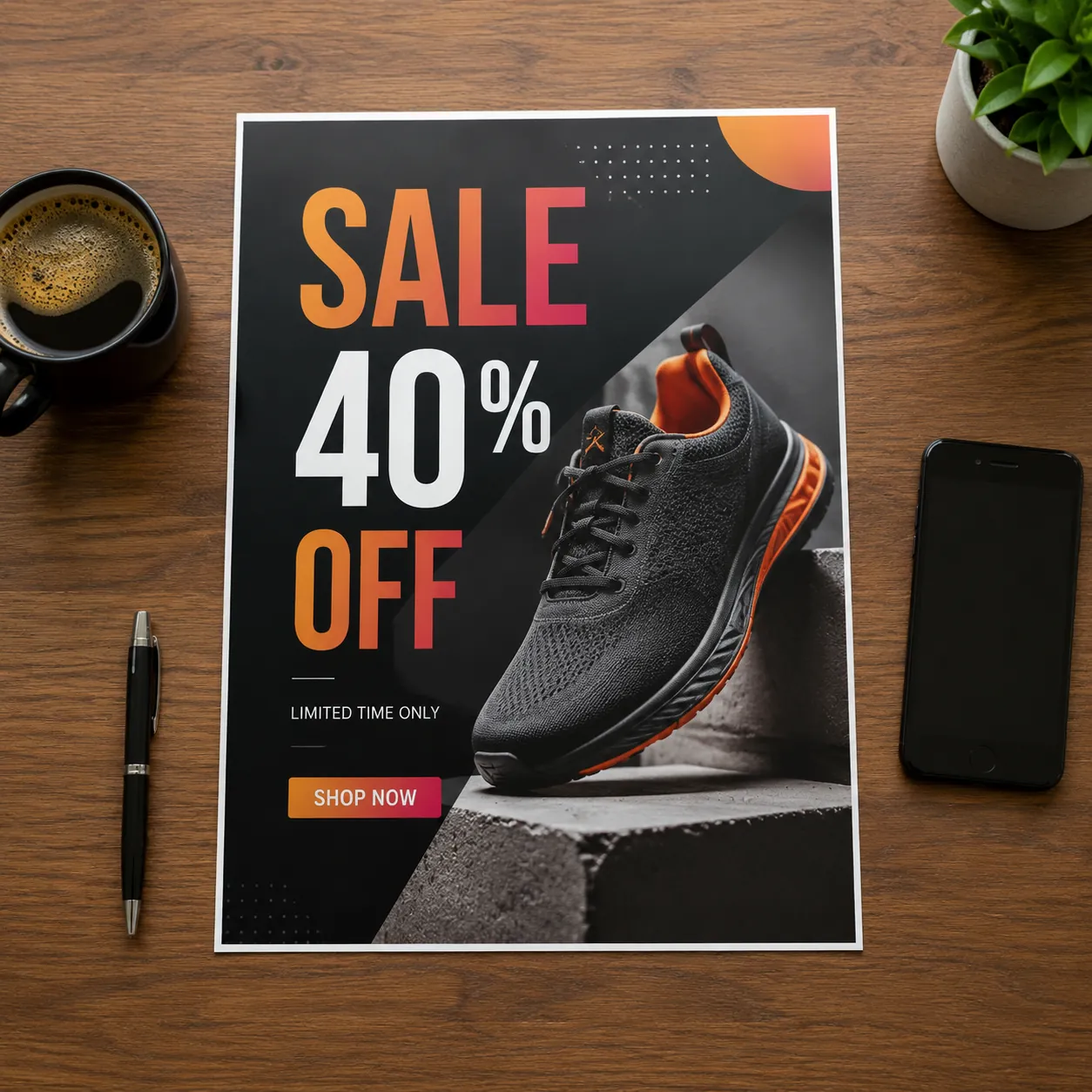
Omni Flash keeps image and video creation in one online studio. Start free, make an image, test a style, and use it again when you need a moving clip.
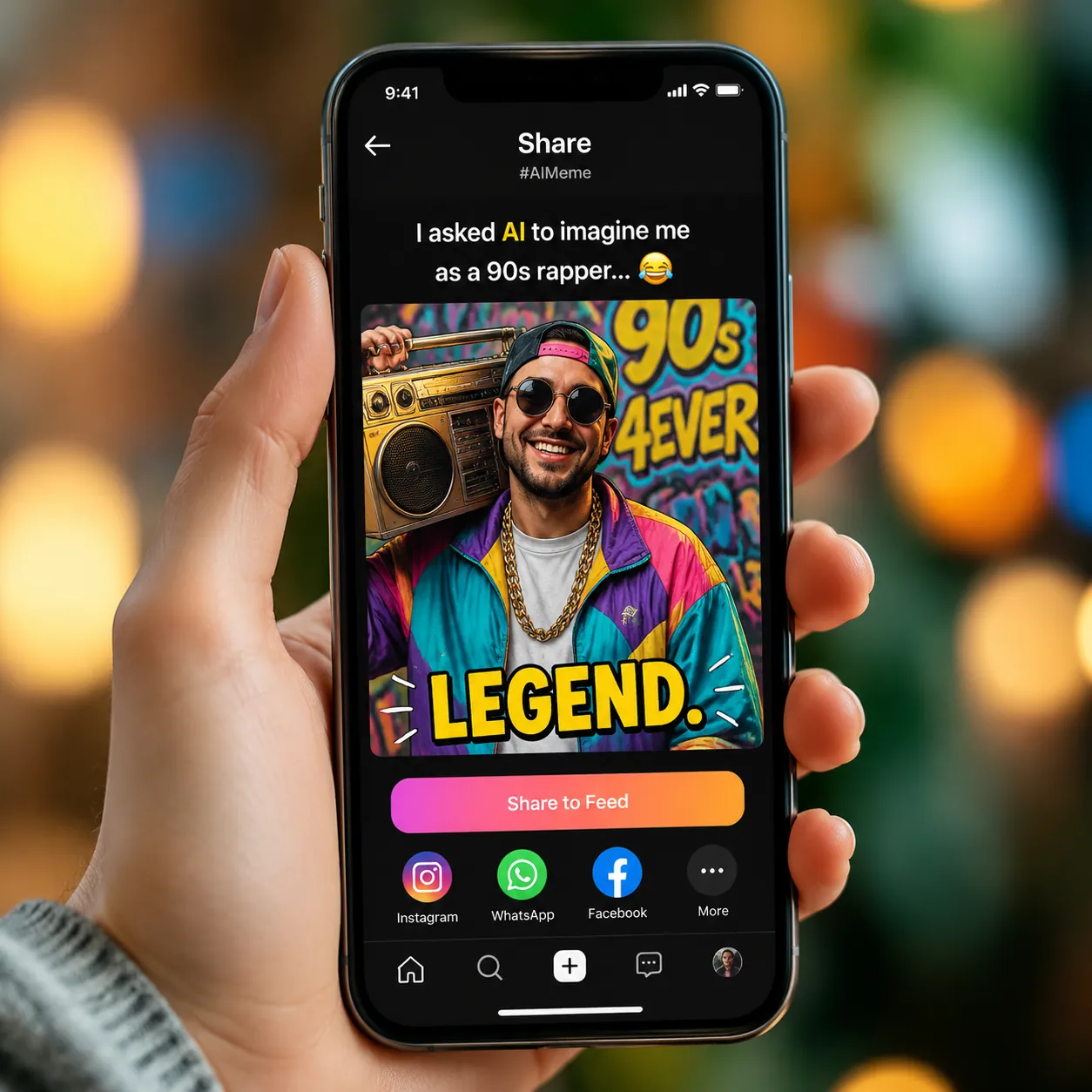
Prompt Images for AI Video
Write normal words and let the Omni Flash studio create images for posts, ads, thumbnails, and products. The same idea can later become a video.
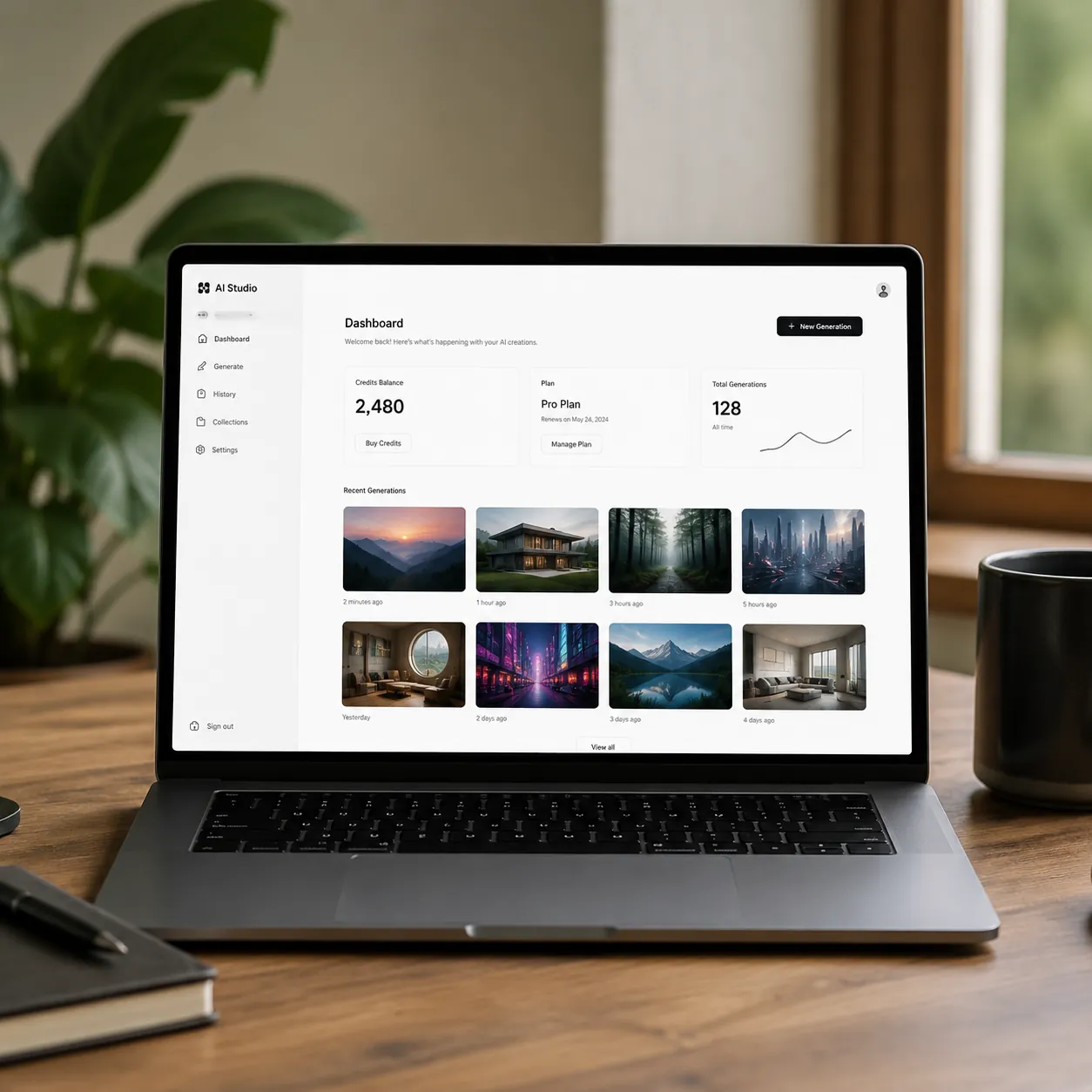
One Studio for Image and Video AI
Use one Omni Flash account for image ideas and video generations. Free credits help you try the studio online before choosing more credits.
How to Create Image to Video Ideas
Open the Omni Flash Studio
Start in the Omni Flash studio and choose the image tool when you need a picture before making a video.
Write a Simple Image Prompt
Describe the product, person, scene, style, or text you want. Clear and direct words work best.
Use the Image in Omni Flash Video
Download the image or bring it into Omni Flash video generation. The image can be used as a reference for motion.
Image to Video AI Maker FAQ
Why does Omni Flash include an image maker?
Many Omni Flash users make an image first, then turn it into a video. The image maker keeps that workflow in one place.
Is the Omni Flash image maker free?
Yes. Omni Flash offers free credits so you can test the image maker and video generation online.
Can I use image results with Omni Flash video?
Yes. Create or edit an image, then use it as a reference for Omni Flash video generation through the online workflow.
What can I make here?
Use Omni Flash for product shots, social posts, thumbnails, portraits, posters, and reference frames for video.
Do I need design skills?
No. Omni Flash image prompts can be simple. Say what the picture should show and what style you want.
Can I make ads with Omni Flash images?
Yes. Create ad images, then use Omni Flash video generation to make a moving version for social media or landing pages.
Is this different from Omni Flash video?
Yes. The image maker creates still images, while Omni Flash video creates motion. Both tools live inside the same studio.
Can I use results commercially?
Many users use images and videos for work. Follow the terms for each model and platform before publishing.
Make Images, Then AI Videos
Use Omni Flash free online for image ideas, then turn your best frame into video through the Google API workflow.