Free AI Video Generator by Omni Flash
Omni Flash is a free online AI Video Maker with Google's video model at the center. Try Omni Flash through Google API, then compare other video models when you need a different style. Make videos from text, images, and first-last frames in one online workspace.
Best AI Video Generator for Quick Drafts
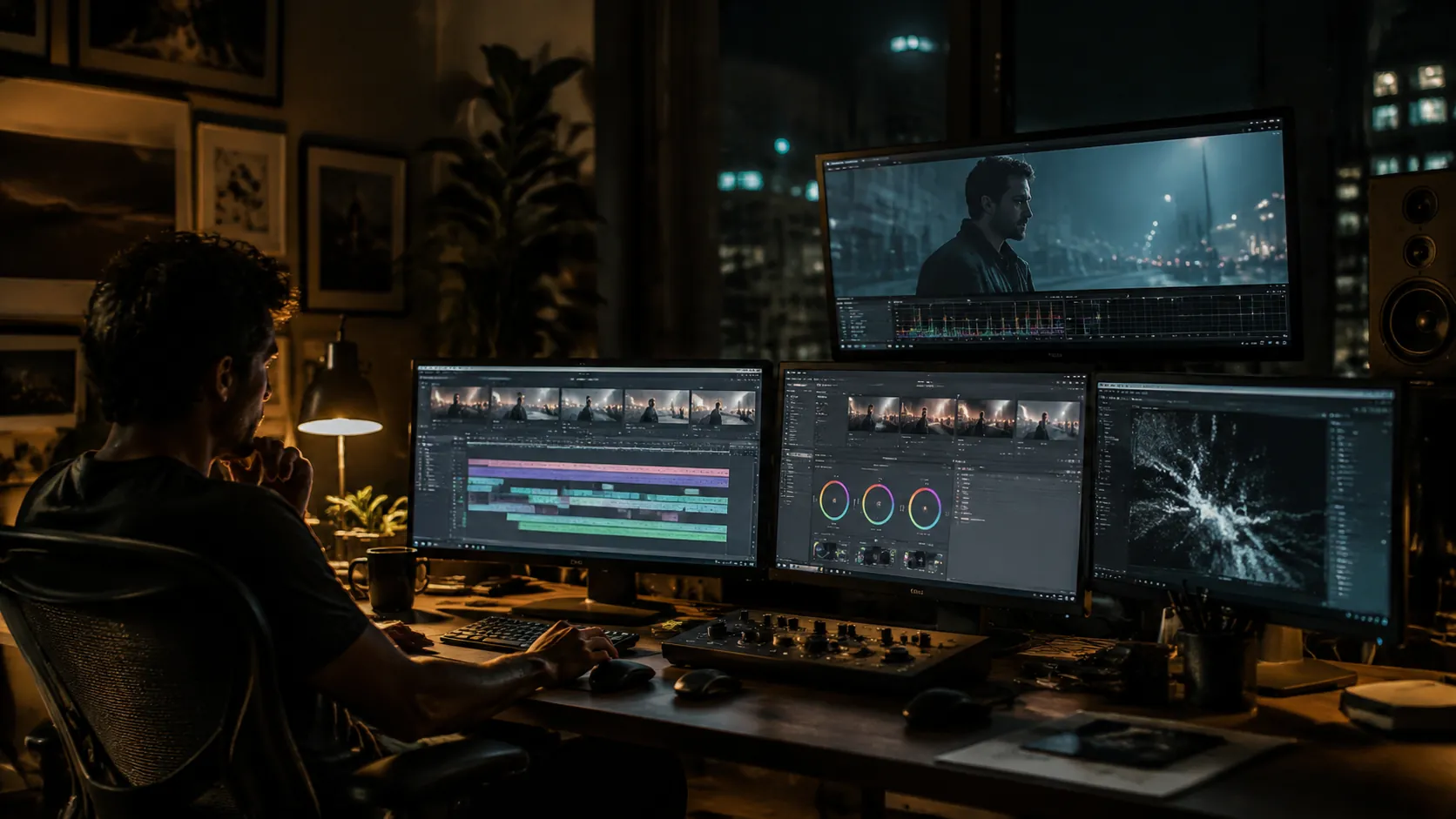
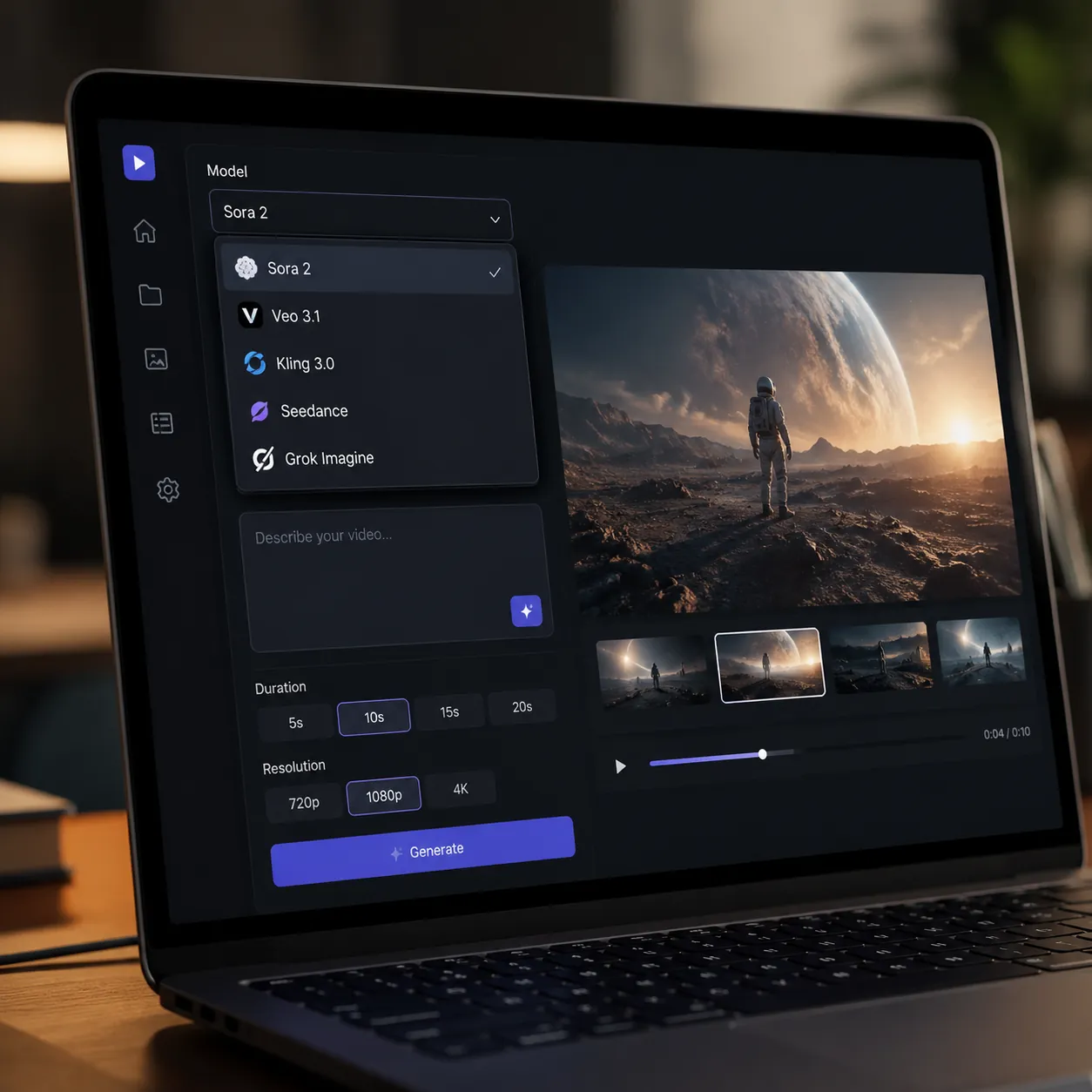
Start with Omni Flash for free online video generation. It is connected to Google API, and the same studio also lets you compare Veo, Sora, Kling, Seedance, and other models when you need another look.

AI Video Generator Free Online
Use Omni Flash on the web with free starter credits. Type a prompt, pick a video style, and create a short clip without installing a desktop editor.
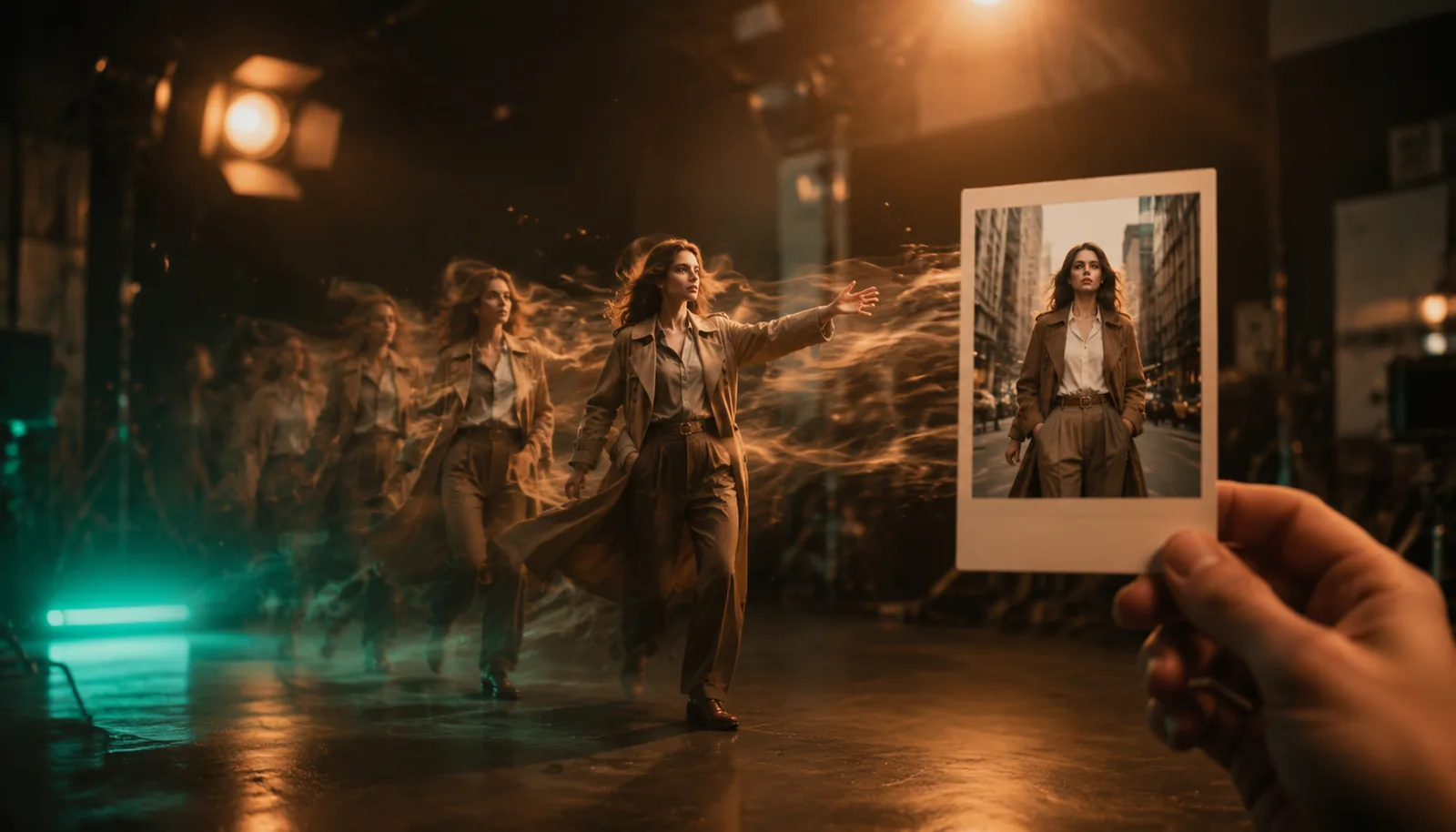
Image to Video AI Generator
Upload a product photo, portrait, poster, or design and ask Omni Flash to animate it. The image and prompt are read together, then a video is created online.
Text to Video and Frame to Video AI
Give Omni Flash a start frame and an end frame when you need control. It fills the motion between the frames, which is useful for product reveals, scene changes, and short ads.
How to Make AI Videos with Omni Flash
Choose an Omni Flash Mode
Open Omni Flash and choose text to video, image to video, or first and last frame. It is online, so you can start on the web from any device.
Write a Normal Prompt
Tell Omni Flash what should happen in the video. Mention the subject, action, style, camera move, and length. Simple words work well.
Generate and Compare
Generate with Omni Flash first. If you want a different look, compare other models in the same studio, then download the result you like.
Plans & Pricing
Free AI Video Generator FAQ
What is Omni Flash AI Video Maker?
Omni Flash AI Video Maker is an online tool for using Google's model and other video models from one prompt box. Omni Flash is the main keyword for this site.
Is Omni Flash AI Video Maker free?
Yes. You can try Omni Flash free online with starter credits. Paid credits are only needed when you want more Google API video generations.
Does this tool use Google API?
Yes. Omni Flash is connected to Google API for video generation. You can use it online without creating your own Google API key.
Can Omni Flash make text to video?
Yes. Write a prompt such as product demo, street scene, talking portrait, or short ad. The text is turned into a video online.
Can Omni Flash make image to video?
Yes. Upload an image and tell Omni Flash how it should move. It can animate product shots, portraits, posters, and social content.
Why are other models listed here?
Omni Flash is the main model, but creators often compare outputs. This studio keeps it first and also offers other video models for style testing.
Can beginners use Omni Flash?
Yes. Omni Flash works with plain English. You do not need prompt engineering or editing experience to try it online.
Can I use Omni Flash videos for marketing?
Yes. Use Omni Flash for ad drafts, product clips, social shorts, and client concepts. Check Google API and platform terms before publishing.
Start a Free AI Video Generator
Start with free credits, generate through Google API, and make text to video, image to video, and short ad clips online.