Your duo. The APT moment.
Turn two photos into a 15-second APT-style video on OmniFlash. Bring a friend or your partner into the pink studio—no filming or dance rehearsal needed.
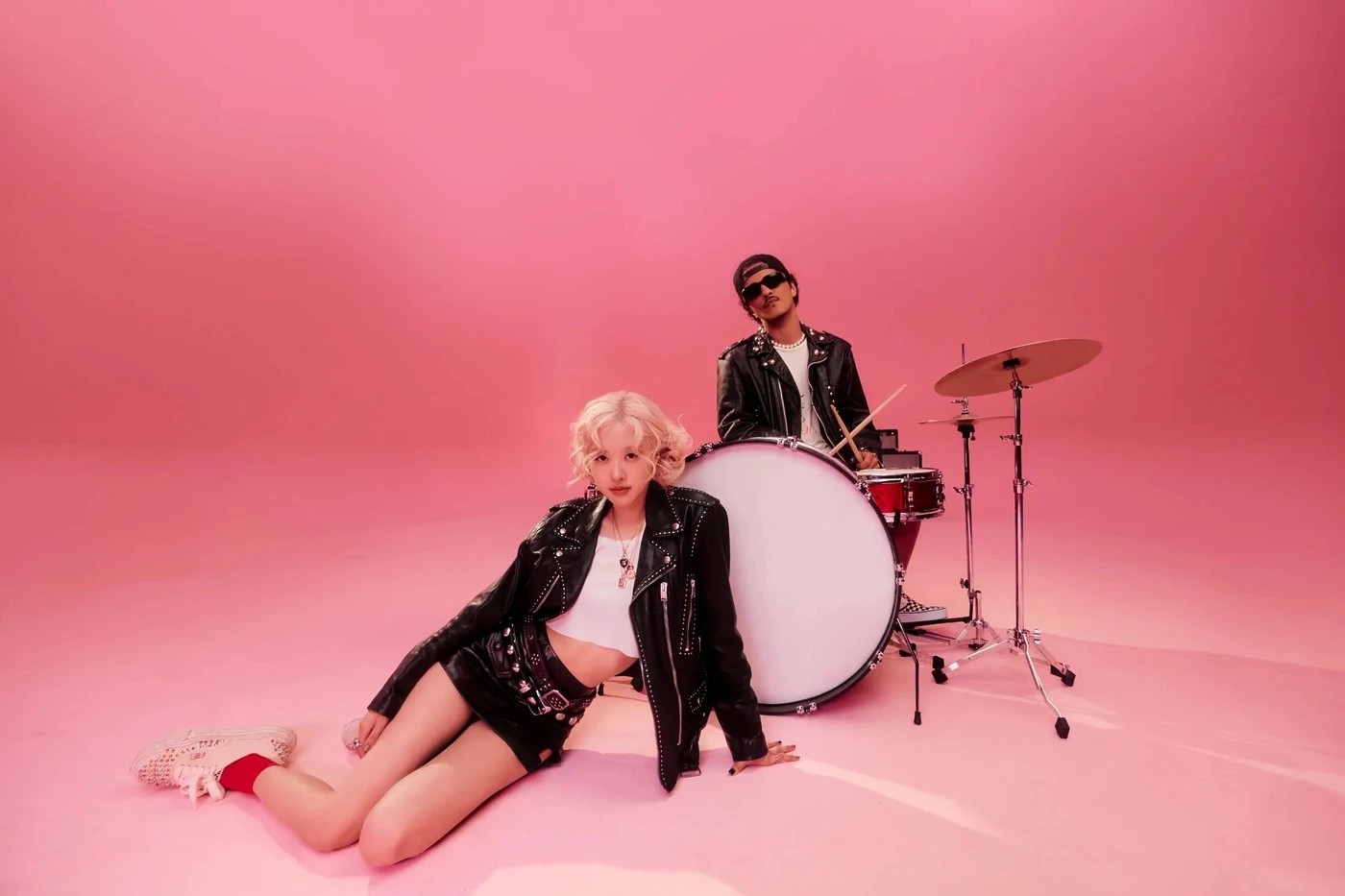
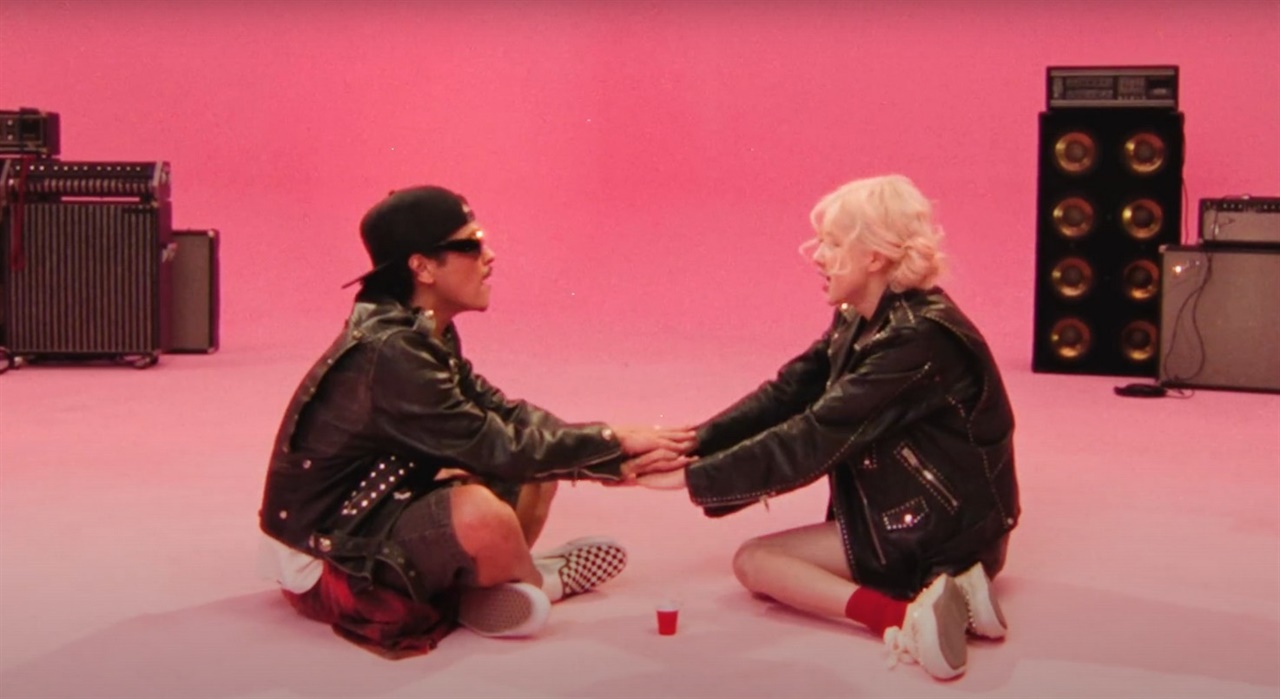
What is the APT trend?
It starts with ROSÉ and Bruno Mars’s APT.: the catchy “apateu” hook, pink studio and playful duo. The AI trend puts two familiar faces into that music-video-inspired scene.
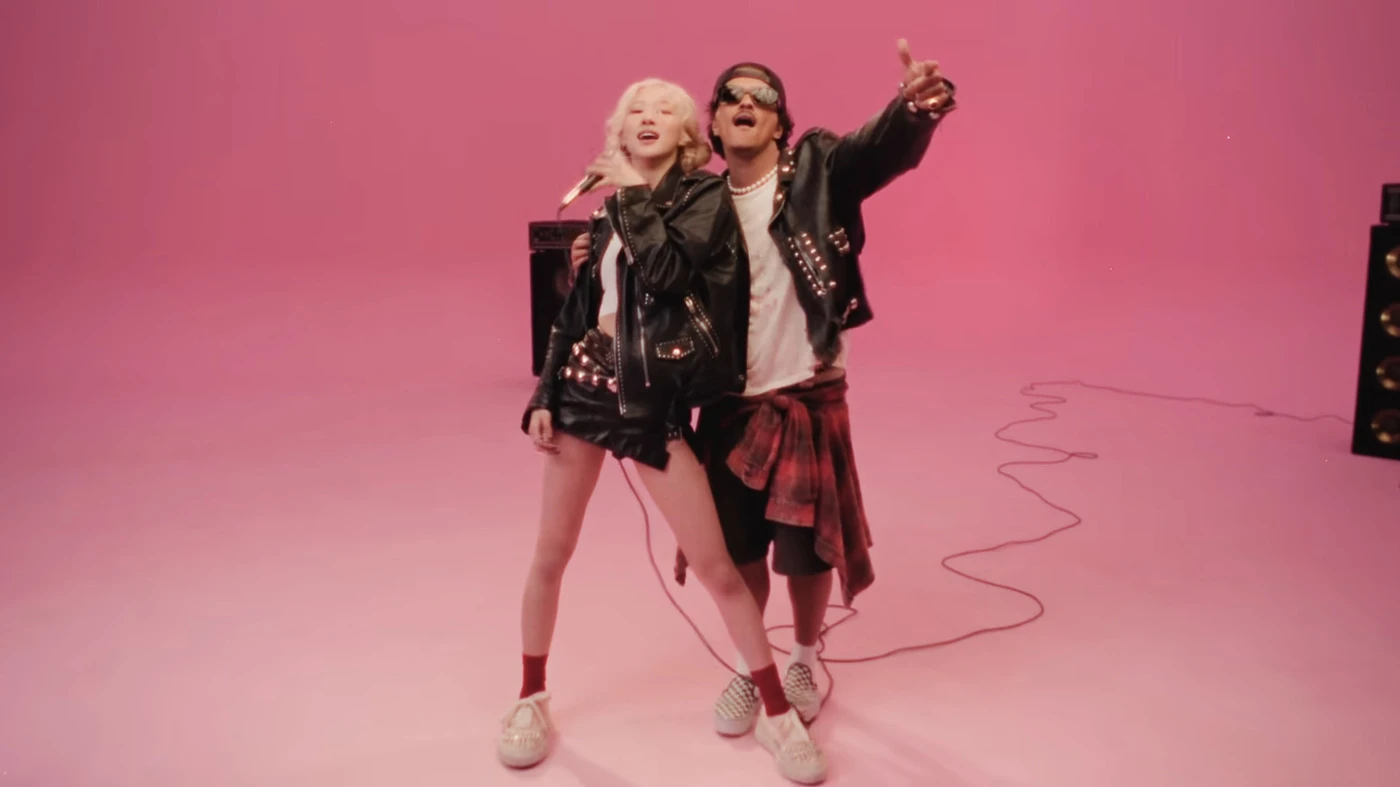
Who will be in your duo?
You and a friend, your partner, or two people who always make you laugh. Choose one clear photo per person. The upload labels show who starts on the left and right.
Where can I make an APT video?
Right here on OmniFlash, in your phone or computer browser. Preview the example above, upload both photos and start creating. There is no app to install.
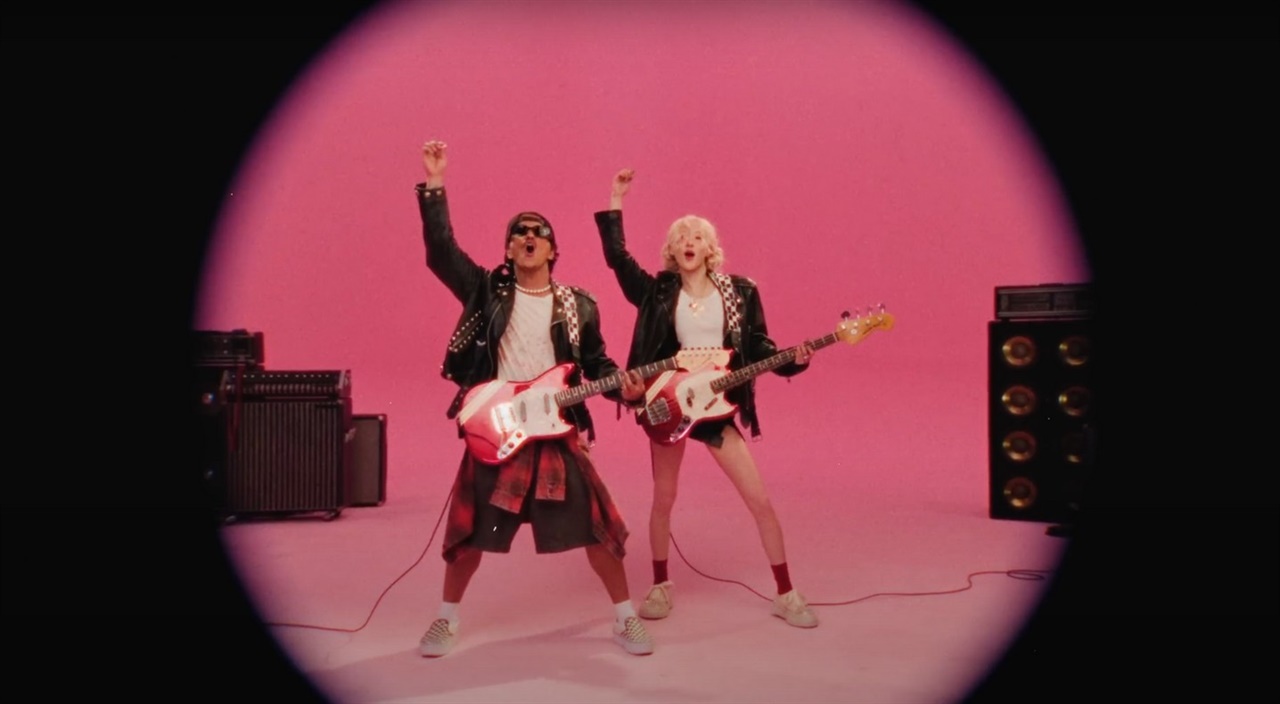
Make it, watch it, share it
Your 15-second video gives the duo a moment of their own. Watch the result, download it and share it with friends or on Reels and TikTok. The original APT images here introduce the trend; your result uses your photos.
How to make your APT video
1. Choose two photos
Use a clear, well-lit photo of each person, with the face visible and no heavy filters.
2. Upload and create
Place a photo in each slot above. Check the left and right labels, then start generating.
3. Watch and download
Open your finished video in history, preview it and download your favorite take.
Plans & Pricing
APT video questions
What does APT. mean?
APT. comes from the Korean word 아파트 (apateu), meaning apartment. ROSÉ and Bruno Mars’s song and pink-studio video inspired the trend.
Do we need to dance or film together?
No. Upload one photo of each person. You can make the duo even when you are in different places.
Which photos work best?
Choose a single face per photo, facing the camera in good light. Avoid sunglasses, covered faces and group shots.
Where do I make the video?
Use the two upload slots at the top of this OmniFlash page. You can create in a mobile or desktop browser.
How long is the finished video?
This APT effect creates a 15-second landscape video. Check the example above for the scene and pacing.
Can I share it on social media?
Yes. Download your result, then post it to your preferred platform. You can crop it in your usual editor for a vertical post.
Who is your APT partner?
Pick two photos and give your duo its own pink-studio moment.