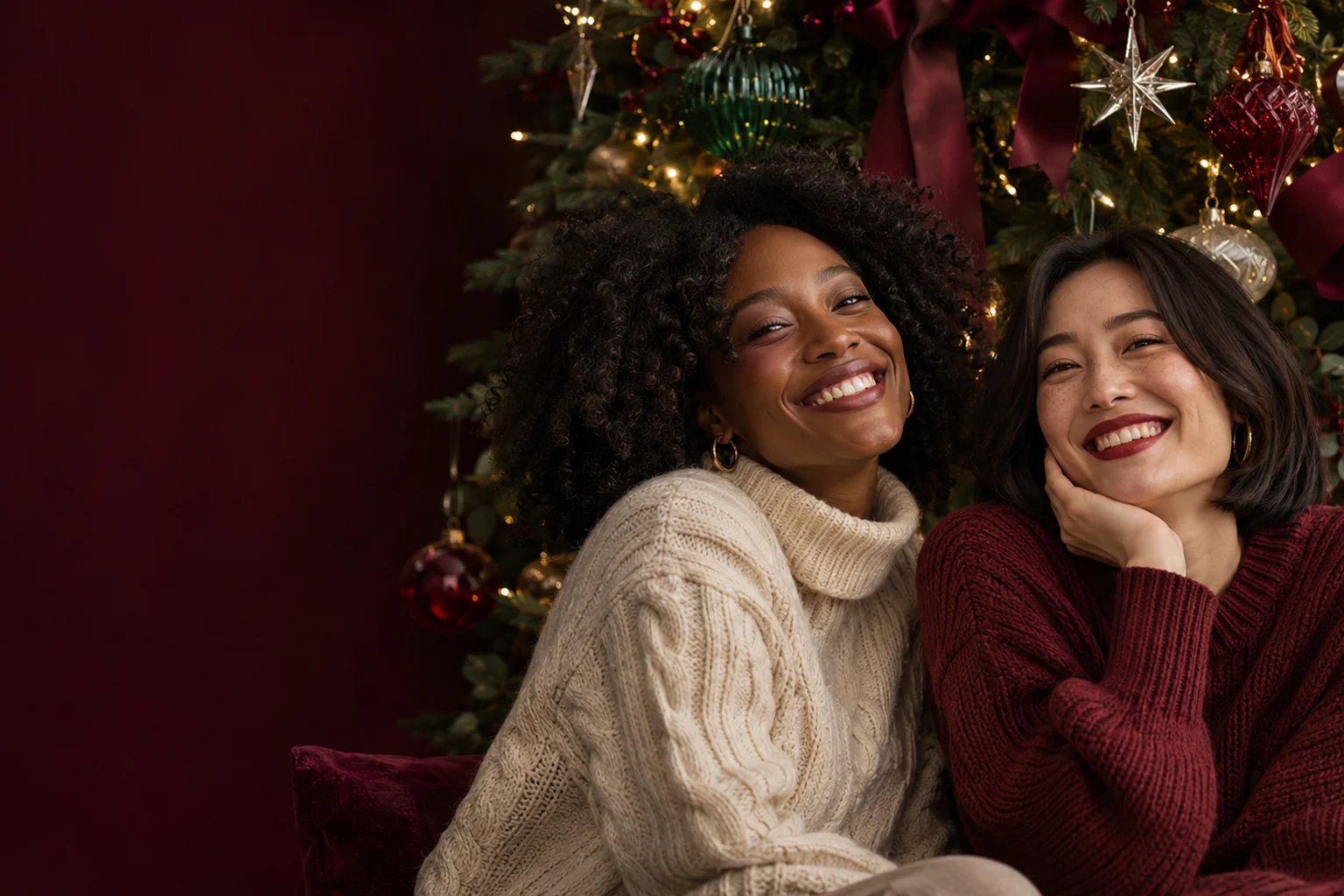
Christmas AI photos
Choose a Christmas scene, add a photo of one or two people, and create your holiday portrait.
Choose a sceneChristmas photo prompts
A little Christmas craft night
Ice blue & silver glass
The red velvet holiday
Candy cane, cream coat
Meet me at the Christmas market
Wrapped in a giant red bow
Dinner for two, Christmas edition
A quiet fireside Christmas
Matching pajamas, unplanned smiles
A handmade woodland Christmas
Tinsel & a little holiday flash
Your own little snow globe
Two faces in a frosted window
Chrome stars after dark
Under a Christmas constellation
A Christmas postcard on film
A cabin, some snow, just us
The paper-star atelier
Gingerbread & good company
No matching scenes.
Frequently asked questions
What is the Christmas AI photo generator?
It turns your reference photos into festive portraits using a ready-made Christmas photo prompt. Choose a scene from the gallery, upload your photo and generate a new image. The gallery includes portraits for one person and two people, with settings such as Christmas markets, snowy cabins, candy cane gardens and candlelit rooms.
How do I copy and use a Christmas photo prompt?
Click Copy prompt on a scene to copy its complete English prompt for use in your preferred image tool. To create a photo here, click Use, add your reference photos and edit the prefilled prompt if needed. Copying a prompt does not start a generation.
Can I make a Christmas portrait of two people?
Yes. Choose a two-person scene and upload either one photo showing both people or two separate portraits, one for each person. This works for couples, friends or a pair of family members. Use clear, unobstructed faces so the image model has a useful reference for each person.
Which Christmas photo styles are available?
The 20 prompts include classic Christmas scenes and a 2026 selection: jewel-colored Christmas trees, handmade ornament workshops, ice-blue glass decorations, red velvet interiors, silver stars and festive dinner tables. Other looks include matching pajamas, gingerbread baking, warm fireplaces, vintage film portraits and snow-globe scenes.
What kind of reference photo should I upload?
Choose a well-lit photo with a clear face and little obstruction from sunglasses, hands or heavy shadows. For separate two-person references, add one person to each photo. JPG, PNG and WebP files are supported, with a maximum of 10 MB per photo. The prompts ask the model to preserve recognizable facial features while changing the scene and styling.
Can I change the prompt and photo format?
Yes. You can edit the outfit, background, decorations and lighting in the prompt before generating. The photo format menu offers 3:4 portraits, 1:1 squares, 4:3 landscapes and 9:16 vertical images. Choose a format that suits your holiday card, profile photo or social post.
Which model is used, and how many credits does a photo cost?
The creator uses GPT Image 2 at 1K. The current price is 15 credits per generated photo and is shown on the Generate button before submission. Sign in to generate; copying prompts and browsing the gallery do not create a paid generation task.
Where can I find and download my Christmas photo?
A completed photo appears in the creator window and can be downloaded there. The task is also saved in My creations, so you can leave the window while it is processing. If a status check is interrupted, use Check result or visit My creations. If submission itself is interrupted, check My creations before sending the same request again.


