Muse Image for Motion-Ready Creative
Muse Image turns a prompt or reference into polished stills built for the next step. Generate product shots, campaign frames, characters and cinematic keyframes with Muse Image, then bring your strongest image into Omni Flash video.
Muse Image Product Campaigns
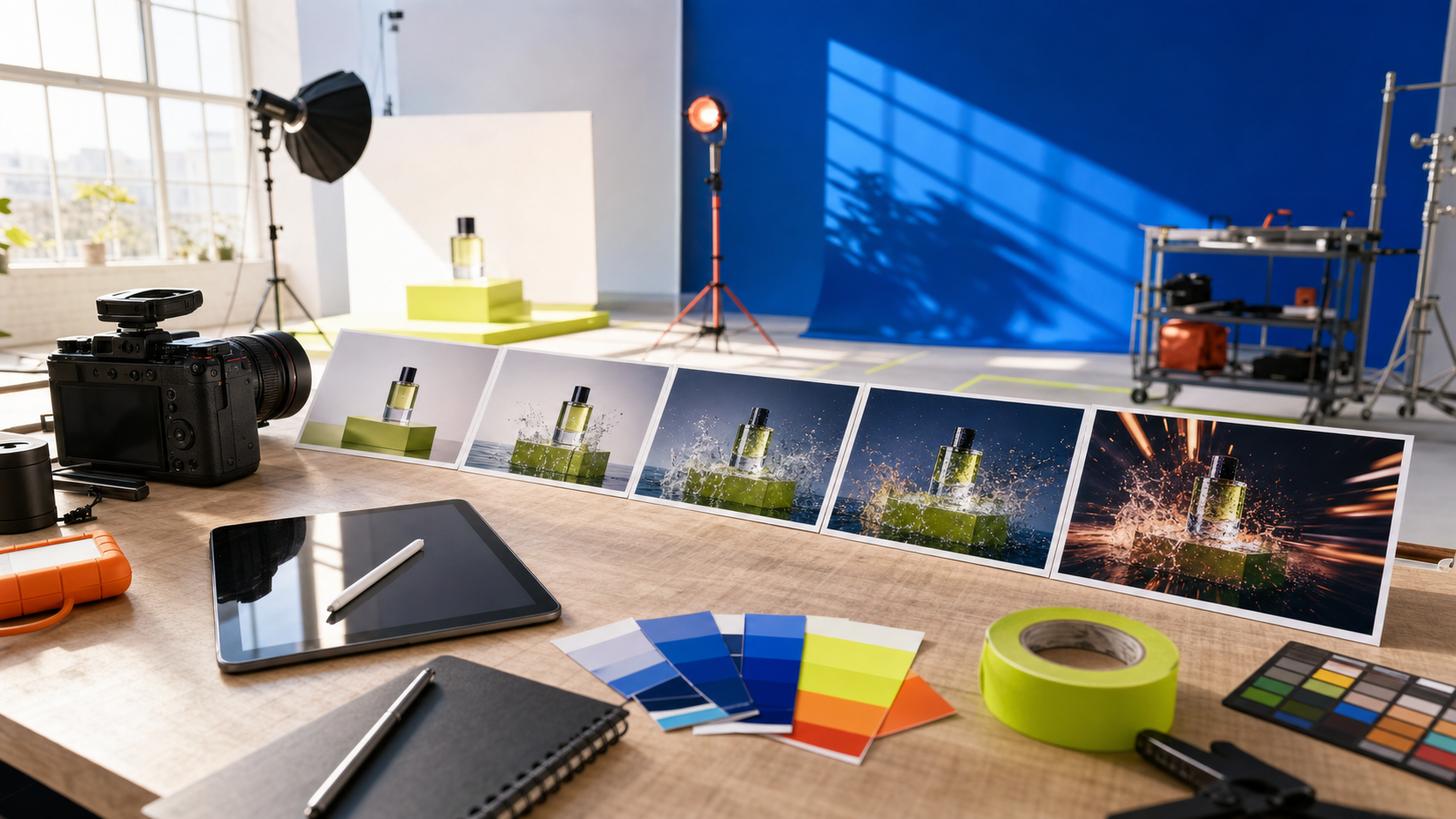
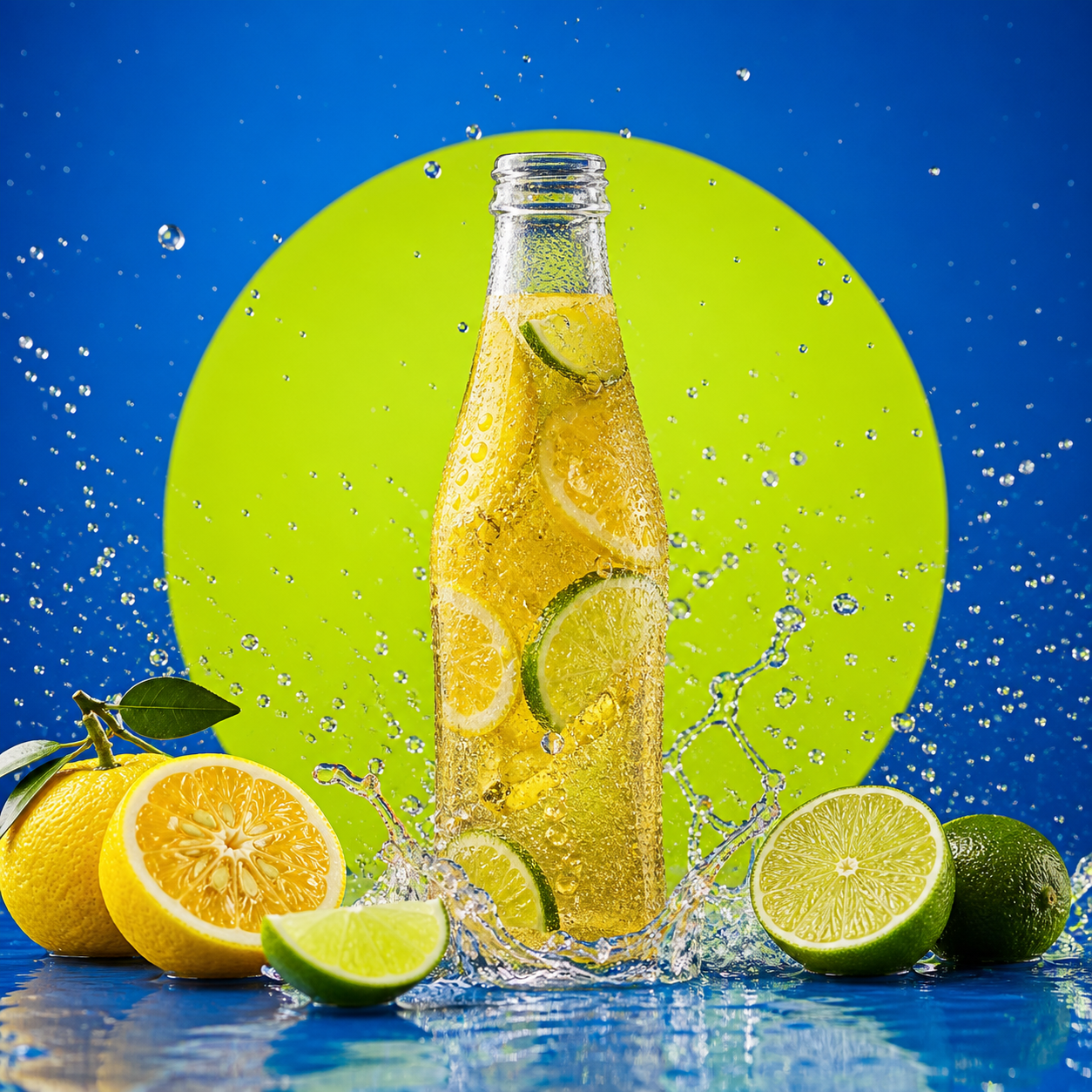
Turn one Muse Image prompt into a polished ecommerce hero shot with convincing glass, liquid, texture and studio light. Muse Image helps teams explore campaign directions before committing to a physical shoot.
Muse Image Editorial Portraits
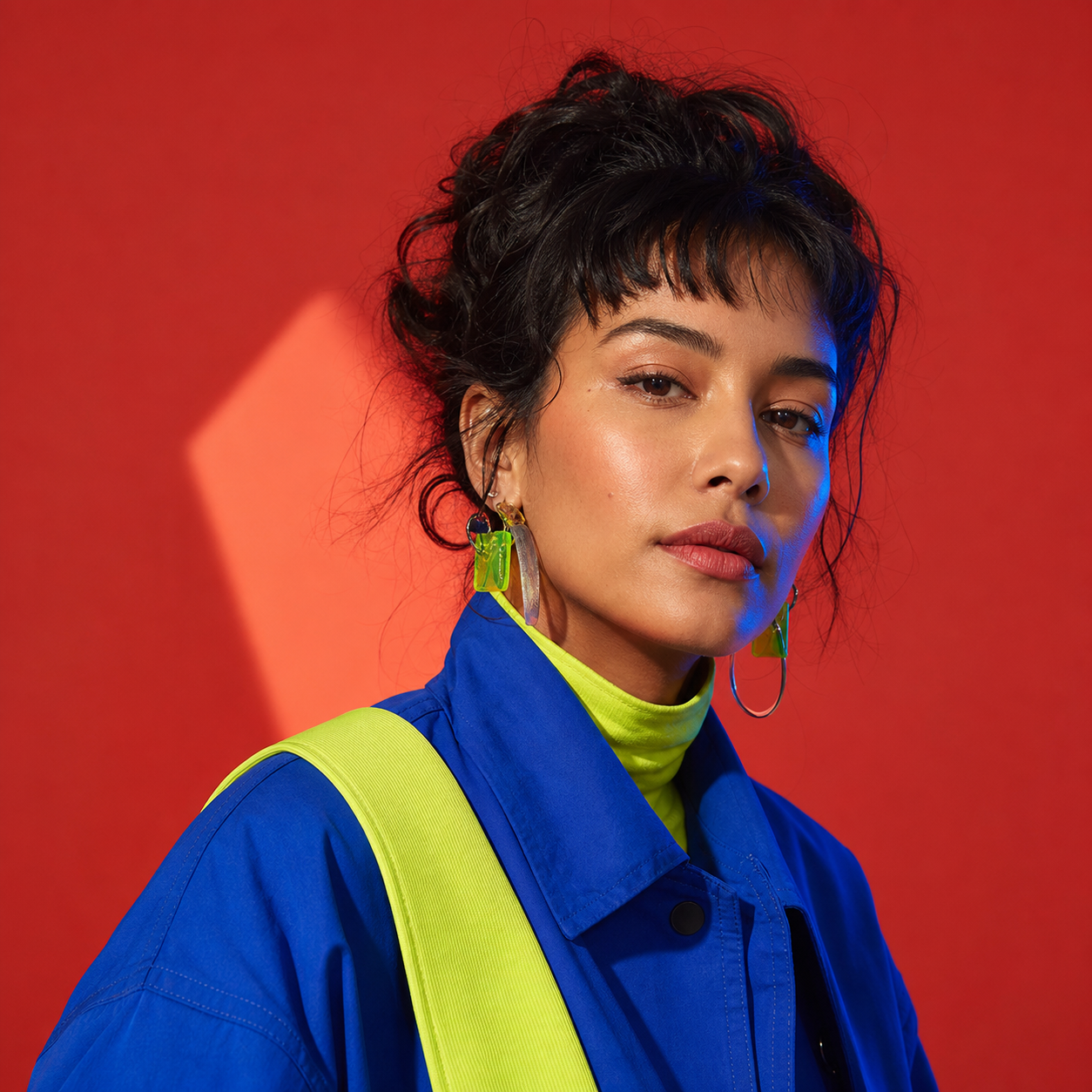
Use Muse Image for expressive portraits, wardrobe concepts and character-led campaign frames. A clear Muse Image brief can lock the palette, lighting and editorial mood before the frame moves into video.
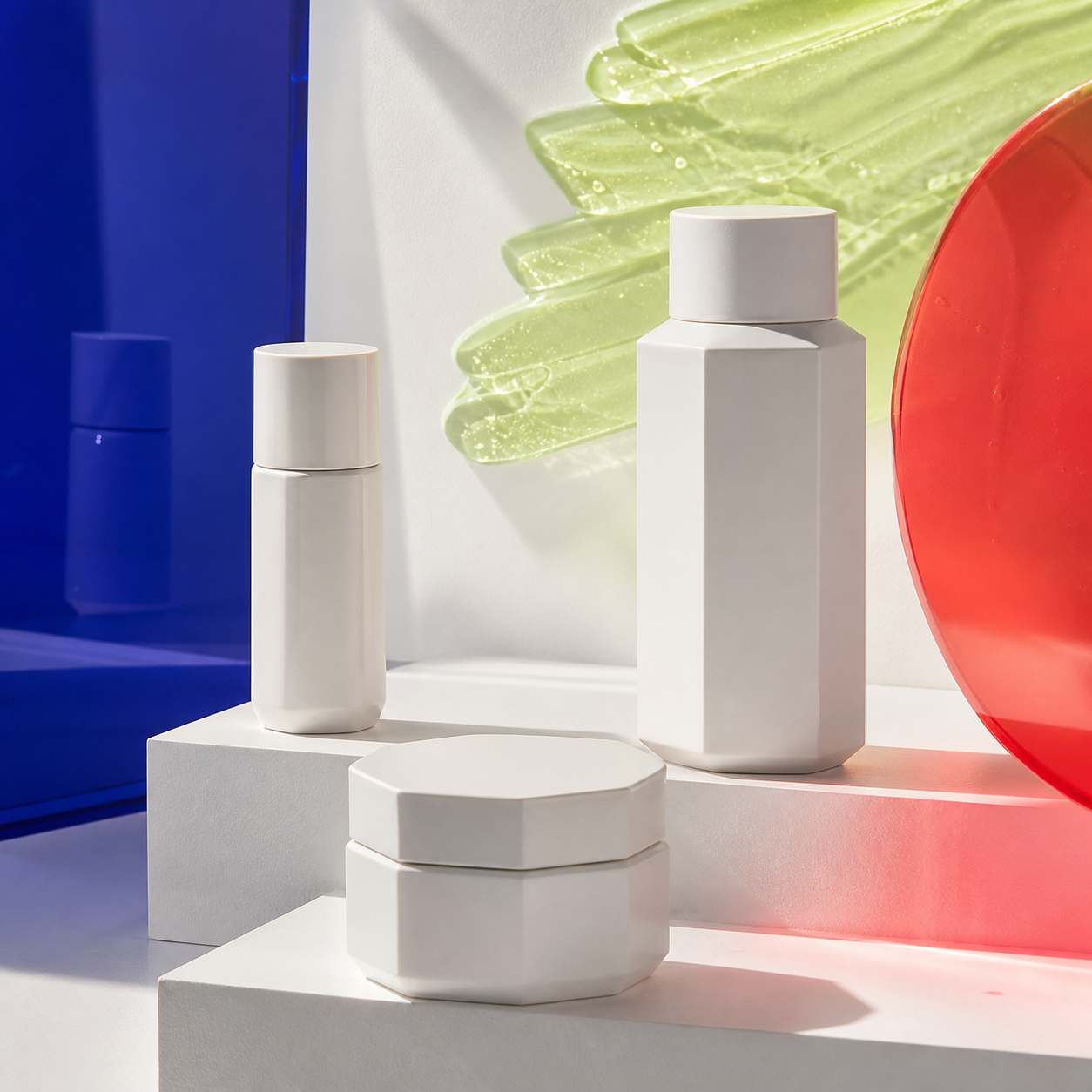
Muse Image Brand Visual Systems
Build a consistent family of packaging, product and launch visuals with Muse Image. Reuse the same colors, materials and art direction so every Muse Image output belongs to one recognizable campaign.

Muse Image Cinematic Keyframes
Design the opening frame before generating motion. Muse Image can establish the environment, subject, lens and lighting, then Omni Flash can use the finished Muse Image as a visual reference for video.

Muse Image Social Ad Concepts
Create scroll-stopping food, lifestyle and launch concepts with Muse Image. Test several Muse Image compositions quickly, choose the strongest still, and adapt that direction into short-form Omni Flash video.
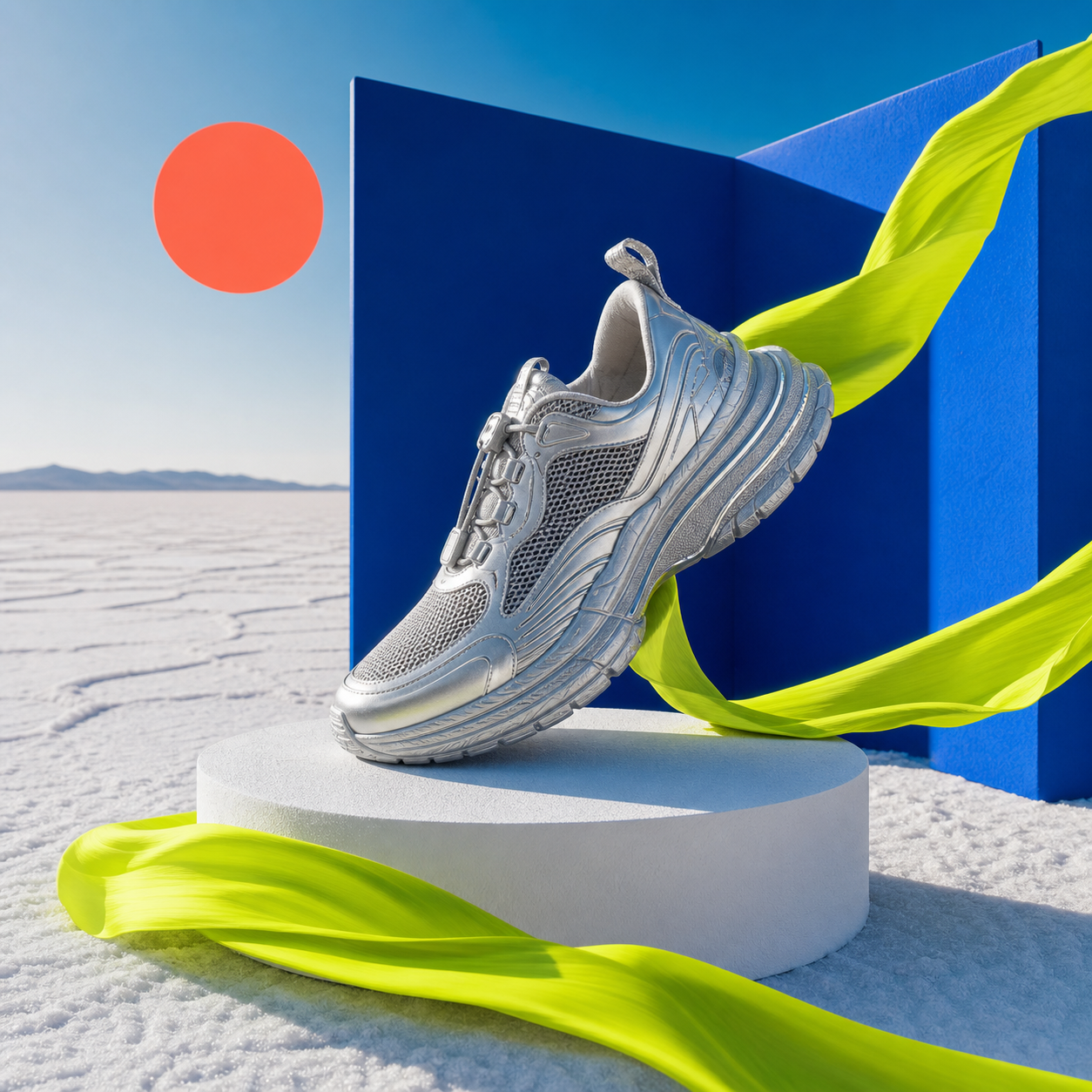
Muse Image Multi-Reference Compositions
Combine product, material, palette and environment references in one Muse Image direction. Muse Image helps creators pull separate visual cues into a coherent campaign frame that can later become motion.
How to Use Muse Image in Omni Flash
Write a Muse Image Prompt
Describe the subject, setting, camera angle, light, palette and intended format. A specific Muse Image prompt creates a more useful first keyframe.
Refine the Muse Image
Switch to image-to-image when you have a reference. Ask Muse Image to preserve the important parts while changing the layout, styling, background or campaign mood.
Move the Muse Image into Video
Choose the strongest Muse Image result and use it as the visual starting point for Omni Flash video generation, keeping the creative direction consistent from still to motion.
Plans & Pricing
Muse Image Frequently Asked Questions
What can Muse Image create?
Muse Image can create product campaigns, editorial portraits, branded stills, food photography, social ads, thumbnails and cinematic keyframes. Start with the final use case so Muse Image can shape the composition around it.
How do I start a Muse Image generation?
Choose text-to-image, then describe the subject, setting, camera view, lighting, palette and output format. A focused Muse Image brief produces a stronger first frame than a short, generic prompt.
Can Muse Image work from a reference image?
Yes. Switch to image-to-image, upload a reference and explain what Muse Image should preserve and what it should change. This is useful for restyling, background replacement and campaign variations.
How do I keep a Muse Image on brand?
Repeat the same color palette, materials, lighting language, camera style and product details across prompts. Give Muse Image a stable visual brief so each result belongs to the same campaign system.
Can Muse Image create text-heavy visuals?
Muse Image can be prompted for posters, packaging and promotional graphics. Put the exact wording in quotation marks, describe its placement and hierarchy, then review the generated text before publishing.
How do I use Muse Image for video keyframes?
Create the opening composition with Muse Image, choose the strongest result and use that still as the visual starting point in Omni Flash. This keeps the subject, setting and art direction aligned from image to motion.
Which aspect ratio should I use with Muse Image?
Use 1:1 for feed posts and product tiles, 9:16 for Stories and short-form video concepts, and 16:9 for cinematic keyframes or YouTube. Choose the Muse Image ratio before refining the composition.
Can I reuse and refine a Muse Image prompt?
Yes. Keep the strongest parts of the prompt, change one variable at a time and compare the results. Iterating this way helps Muse Image maintain the creative direction while improving specific details.
Turn a Muse Image into Your Next Video
Generate a polished Muse Image keyframe, refine the visual direction, then carry the best Muse Image into Omni Flash for motion.